
An equipment home
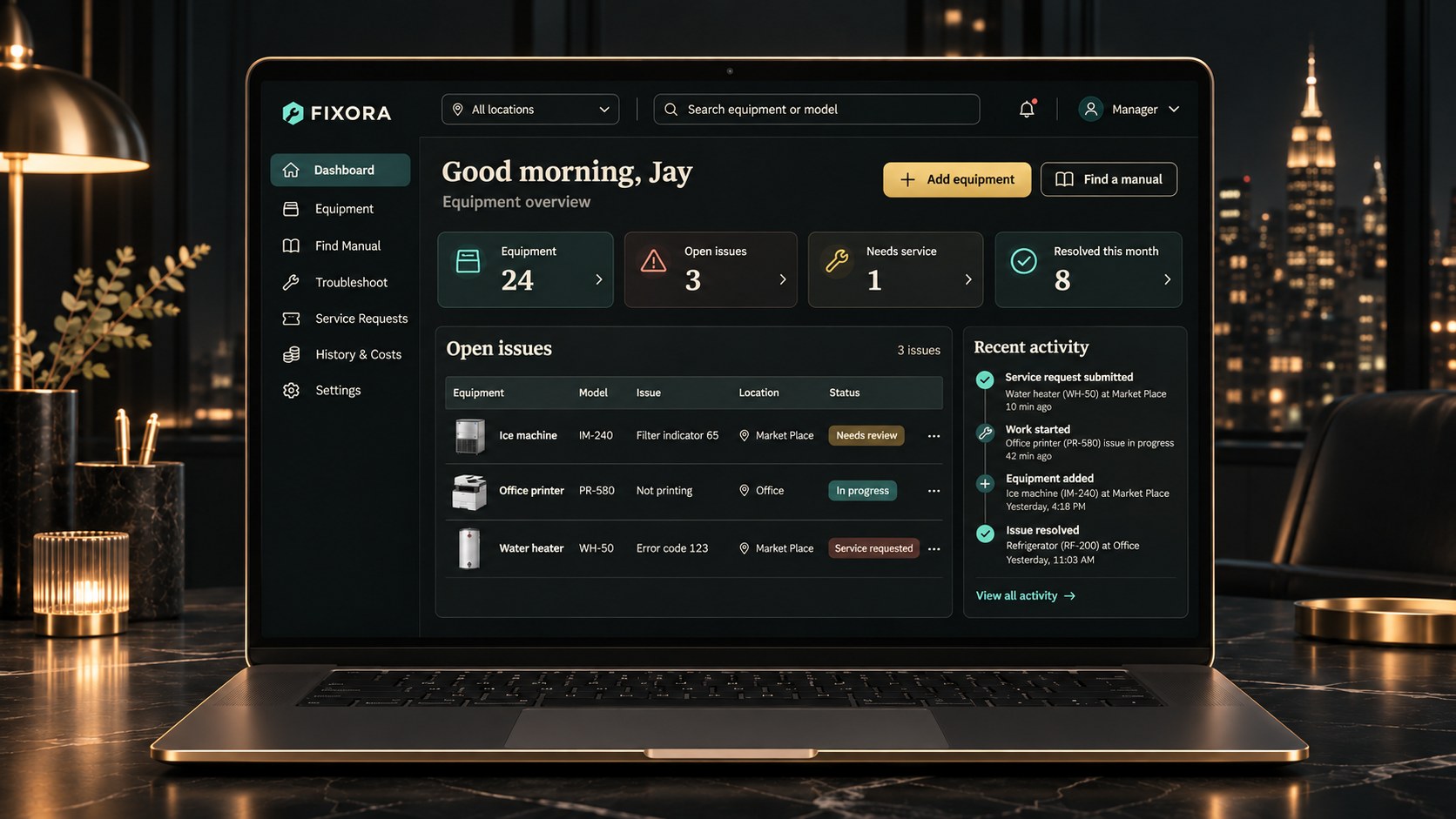
Register equipment and keep a manual URL alongside its details in the current prototype.
Planned features and concept imagery are shown for review. Public access has not been announced.
Bring equipment details, problem history and service handoffs into one clear PC workflow for shops, offices and small facilities.
A closer look
Register equipment and keep a manual URL alongside its details in the current prototype.
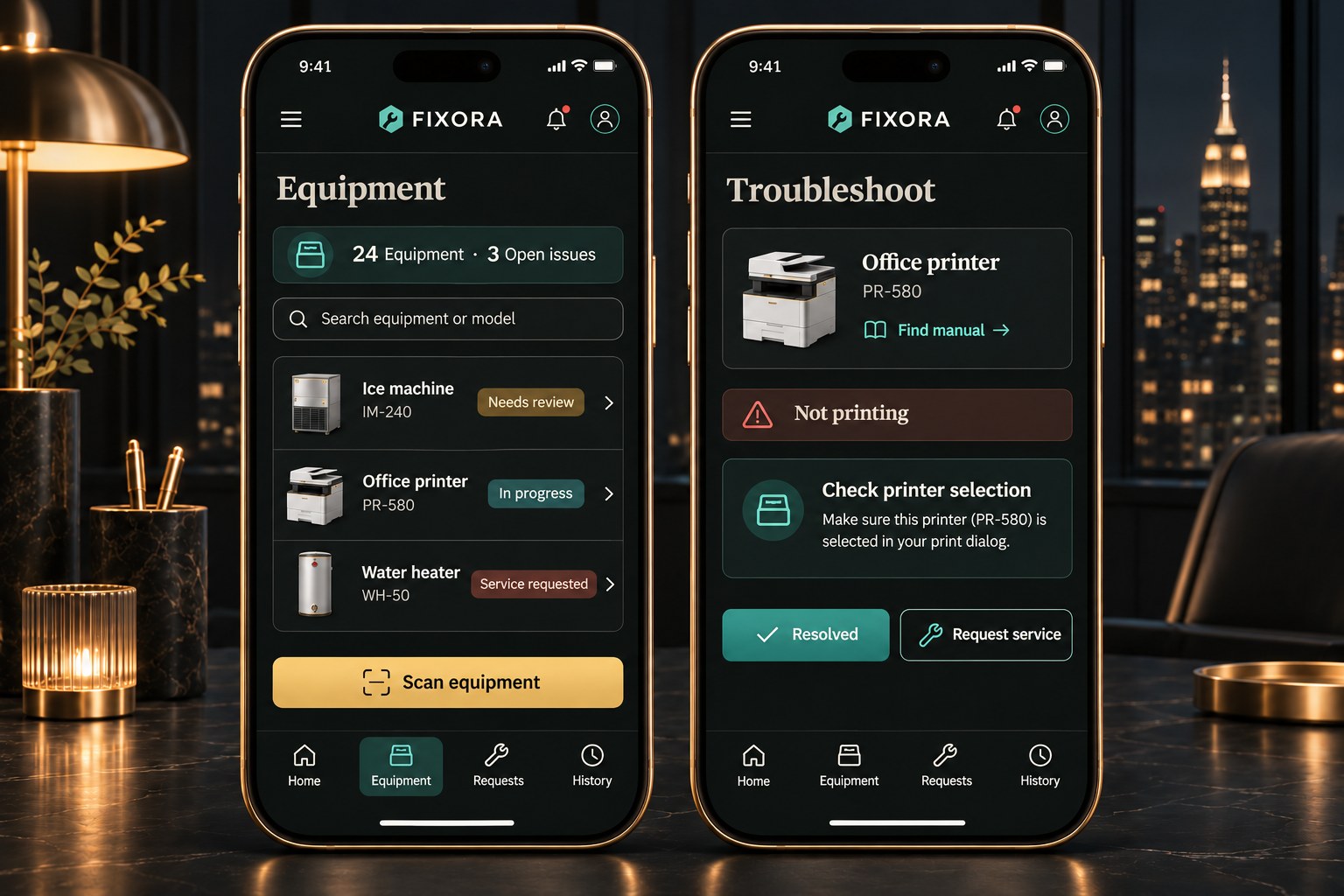
Log an incident, review its history and mark it resolved. Records stay in the same PC browser.
Copy an incident summary for a technician, with the checks already recorded.
Planned: match the exact model to official documents and guide staff using cited pages and reviewed steps.
How it fits your day
Record the equipment and its manual link.
Log the problem, checks and outcome.
Copy the case summary when a specialist is needed.
Product availability
Manual availability depends on model matching, manufacturer documents and usage rights. Automated search, AI guidance and synchronization are planned capabilities.
Equipment operators and repair teams
Record an asset, attach its manual and carry incident history into the next handoff.
The equipment record, manual and incident handoff travel together in the workflow. The current local prototype stores its records in the same browser.
Follow manufacturer guidance and use a qualified technician for hazardous work. Suggested diagnoses can be wrong.
Help us understand visits and use of this site with Google Analytics. Analytics is optional. You can change your choice in the footer.